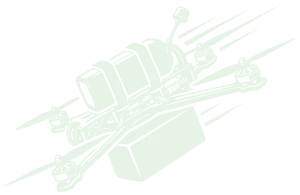
Launch procedure
Pins, lockout, arm, strike.
One sortie, recorded in the simulator. Pick a step, or run the whole sequence.
×10 TIME-LAPSE
STEP 1/4 · PINSOUTSIDE VIEW
ATALEF FPV Simulator · Training & proficiency
ATALEF turns the laptops, desktops and tablets your unit already owns into a full FPV training range. Real flight physics, thermal and night-vision sensors, analog video and mission-grade environments, flown with the operator's own RC transmitter.
Demo reel
01 · Sensors
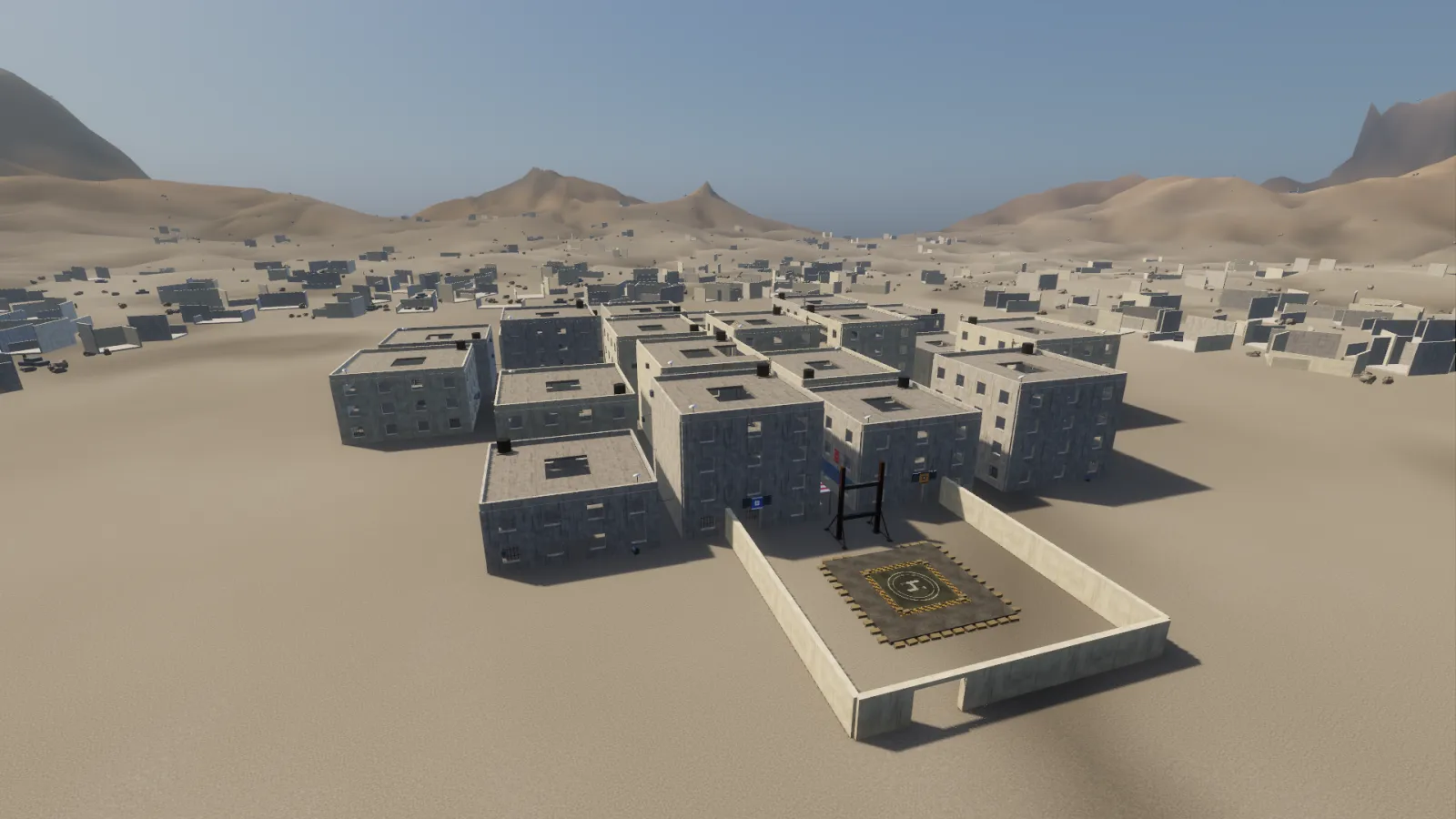
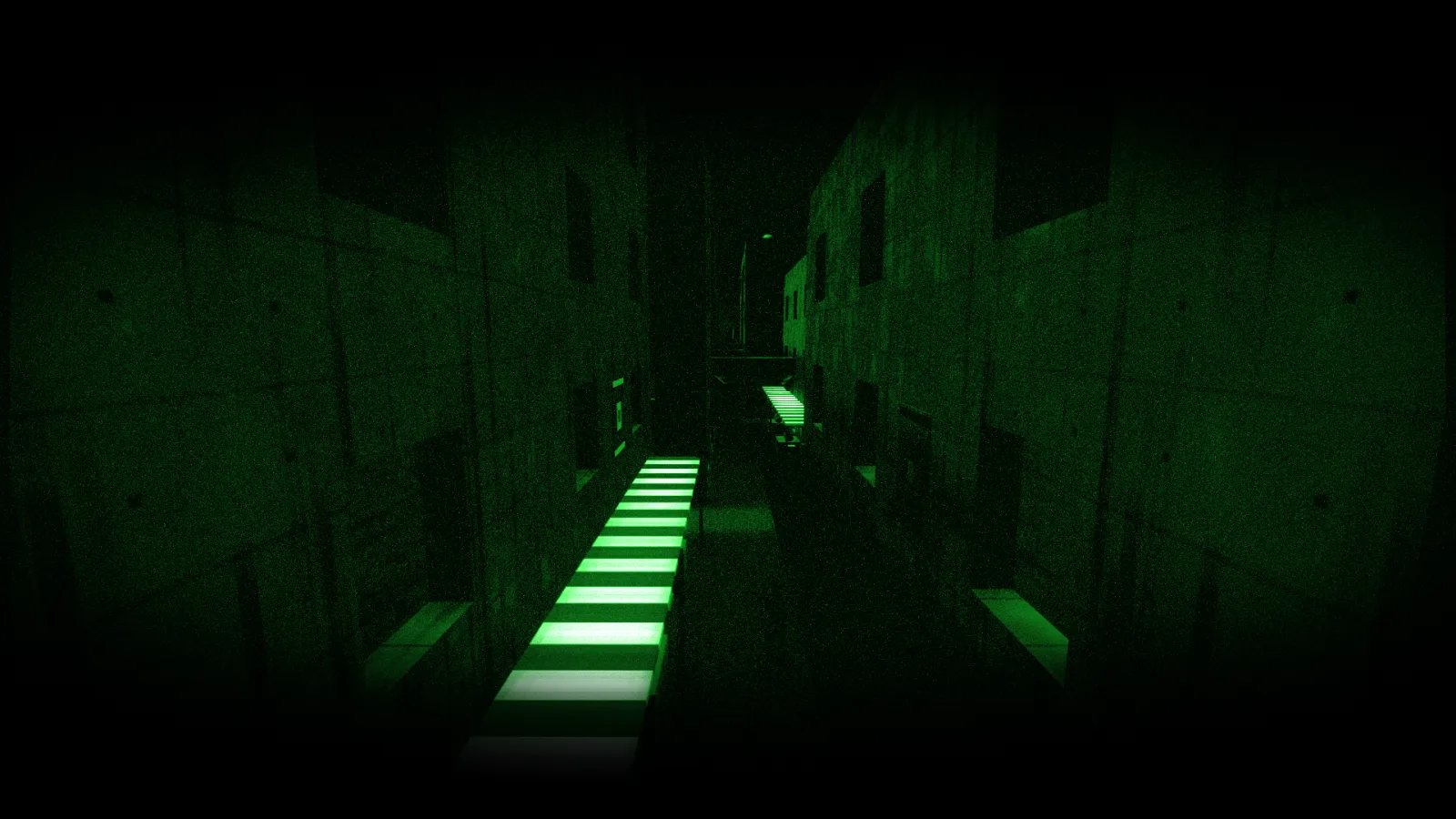
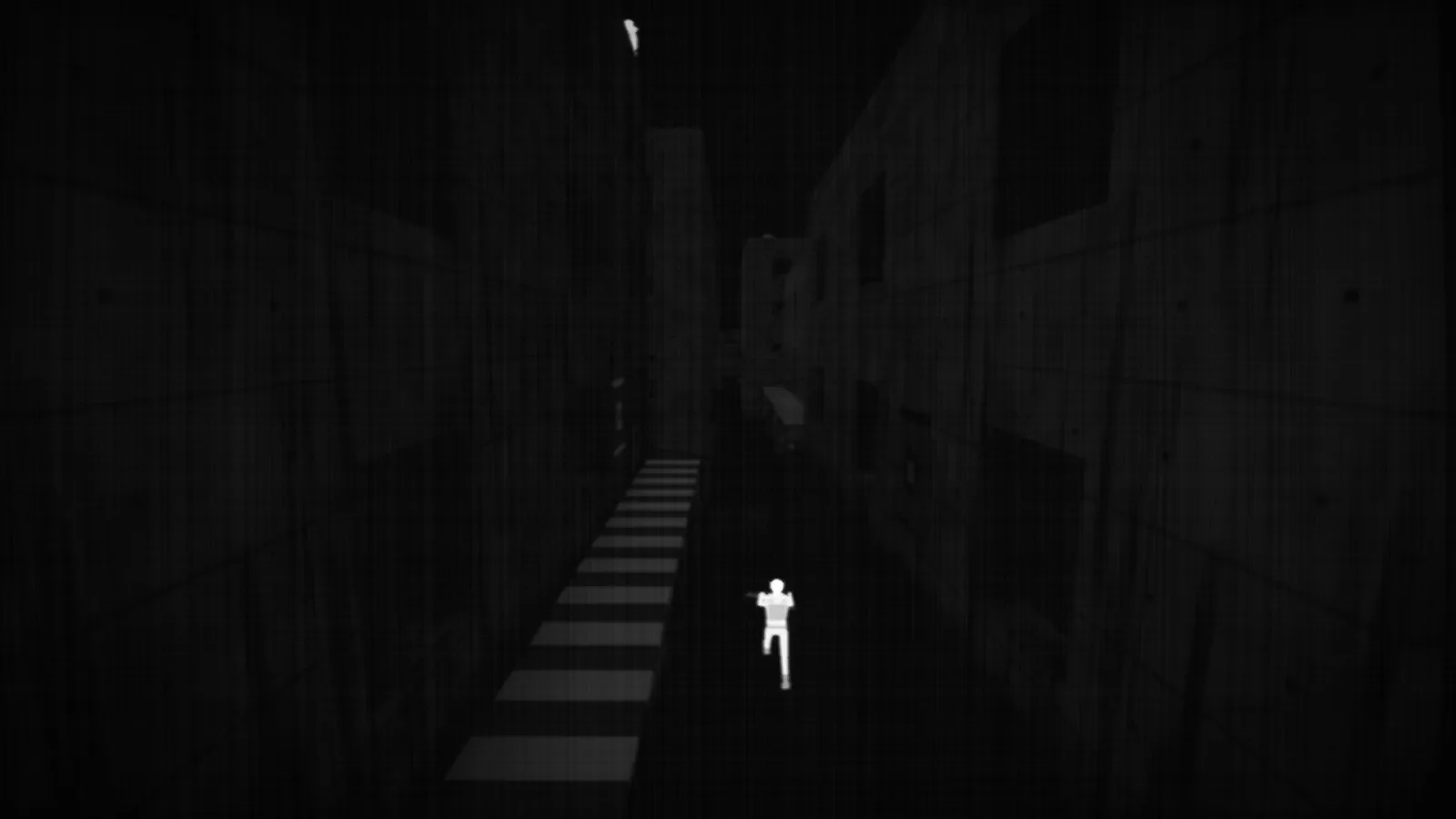
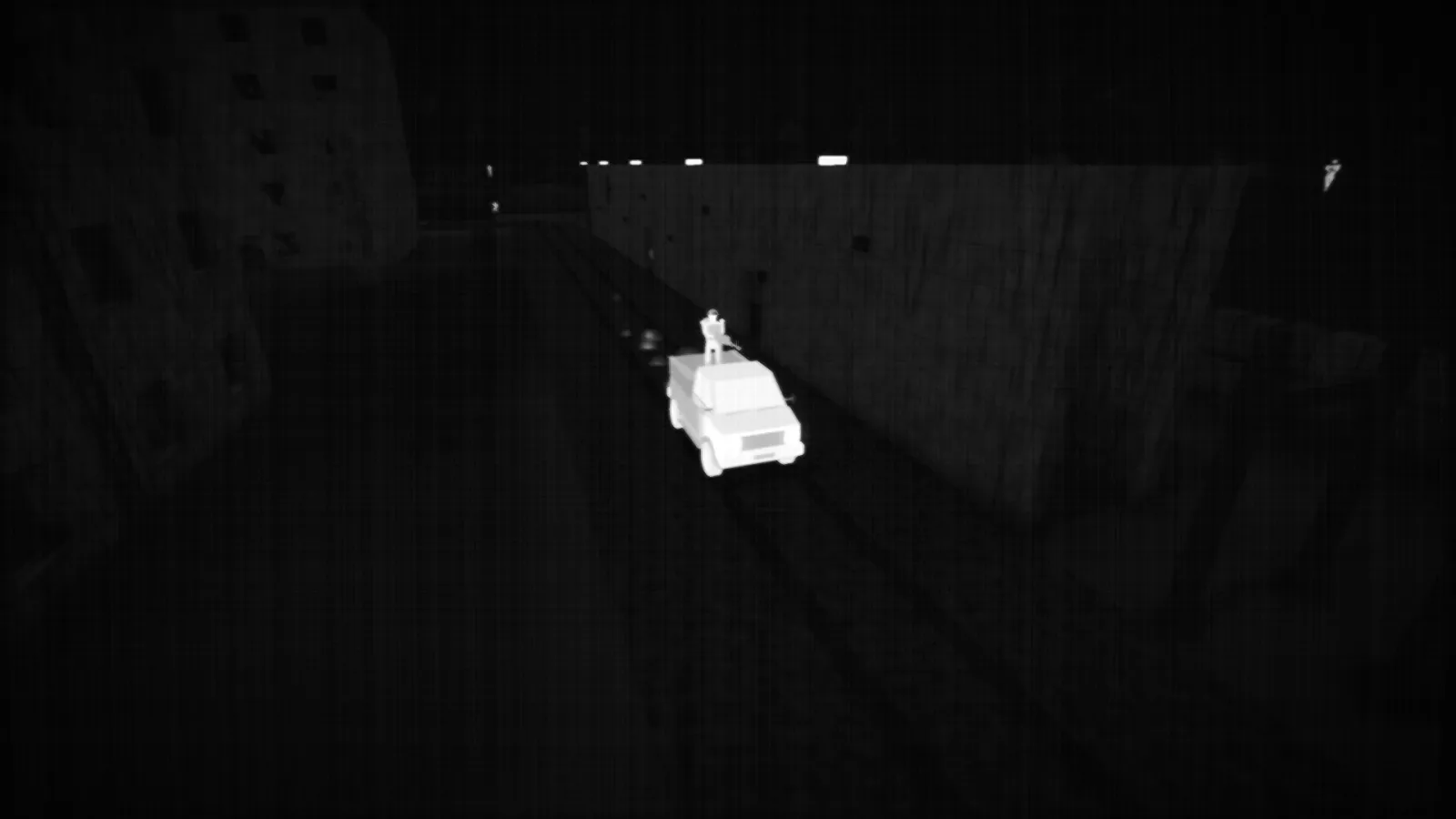
Switch the FPV camera between a daylight sensor, an image-intensified night-vision tube and a thermal imager, in daylight, at night or across a full 24-hour cycle. Vehicles and people carry heat signatures, so pilots learn what a target actually looks like on each sensor.
Tip: press 1 2 3 while this section is on screen.
02 · Video link
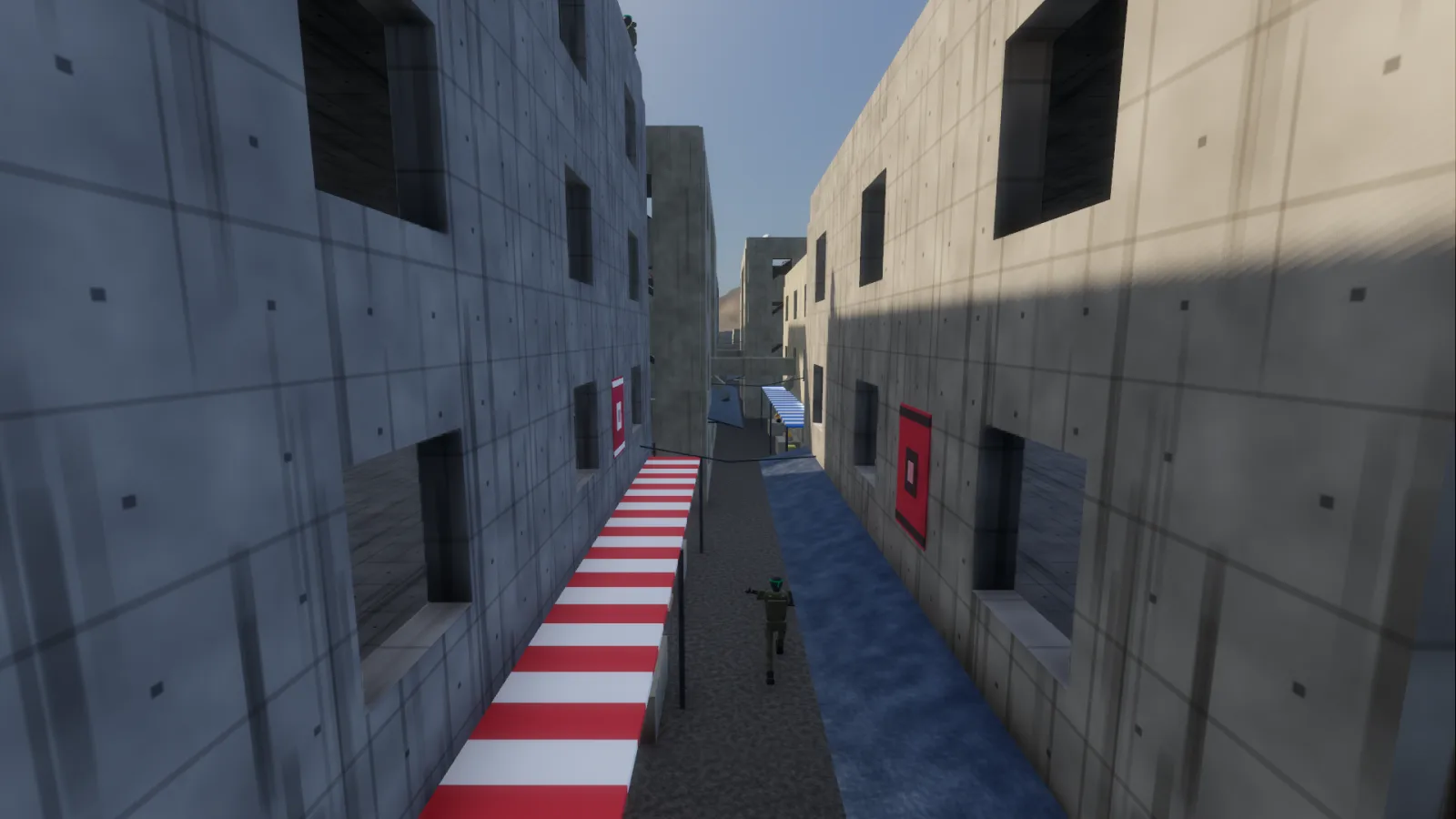
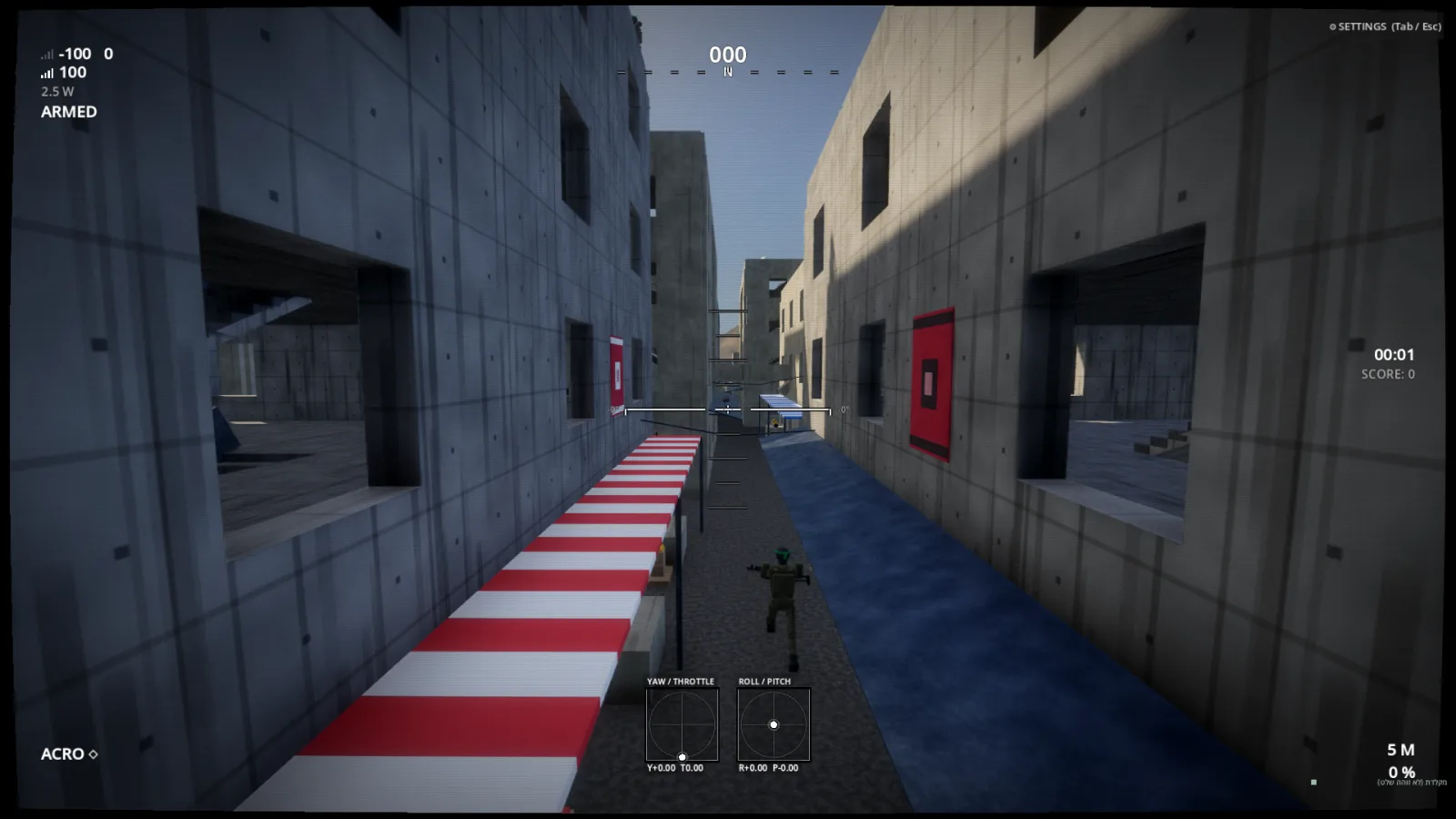
The feed isn't a filter. It runs on a real link budget. Distance and terrain masking wear the picture down the way a 5.8 GHz analog receiver does, and a directional patch-antenna mode makes operators aim the ground station before launch.
Open-field figures from the simulator: omni clean to 1.5 km and at its noise floor by 7 km; patch clean past 7 km on its main lobe. The preview is an illustration of that model.
03 · Flight model
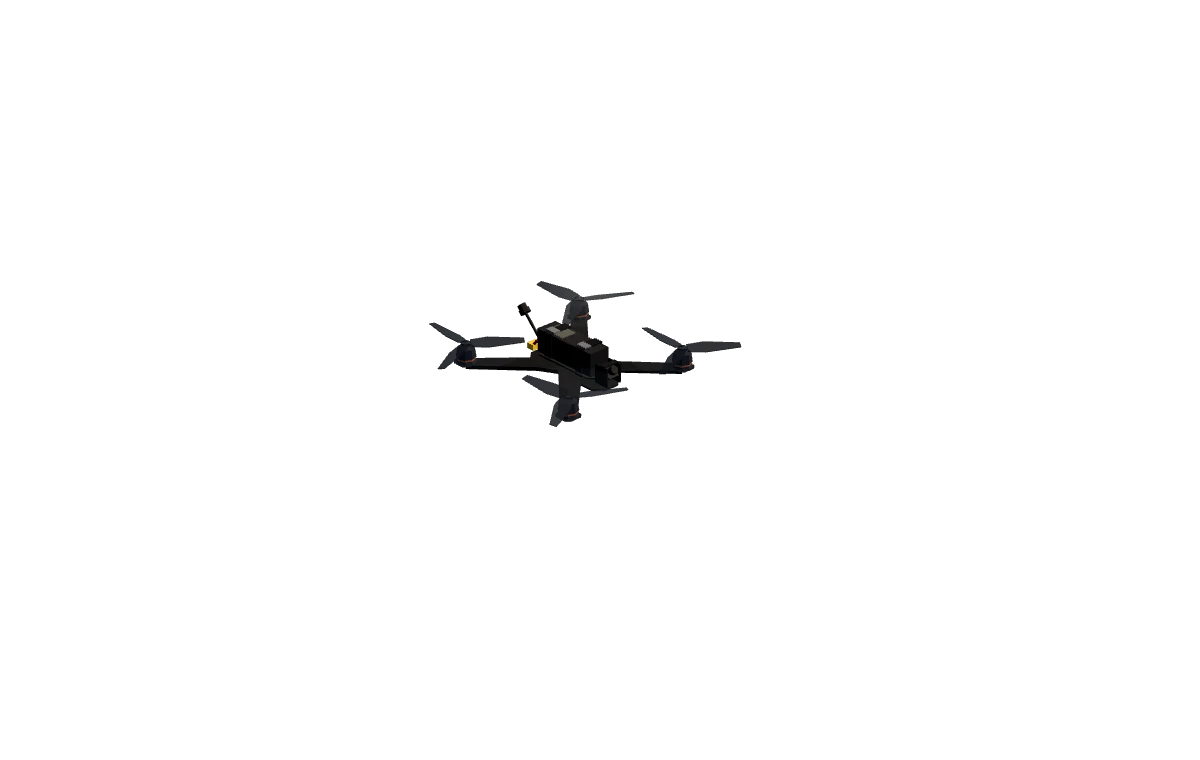
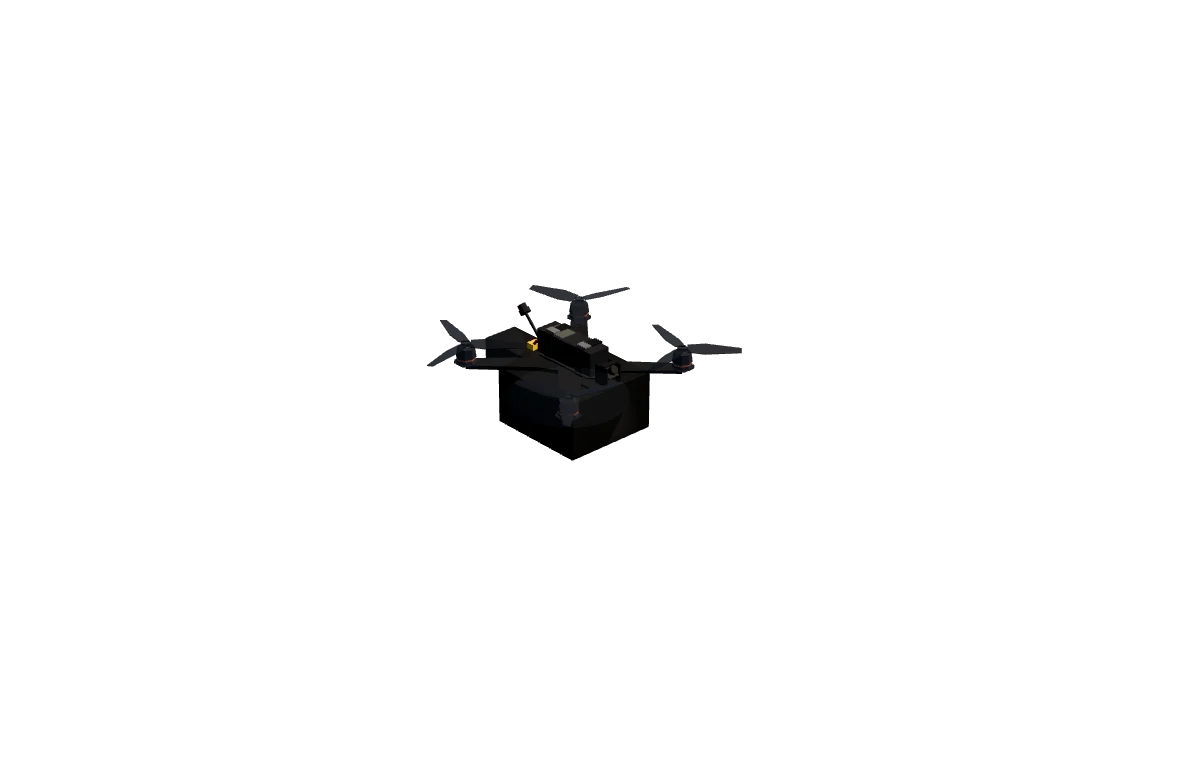
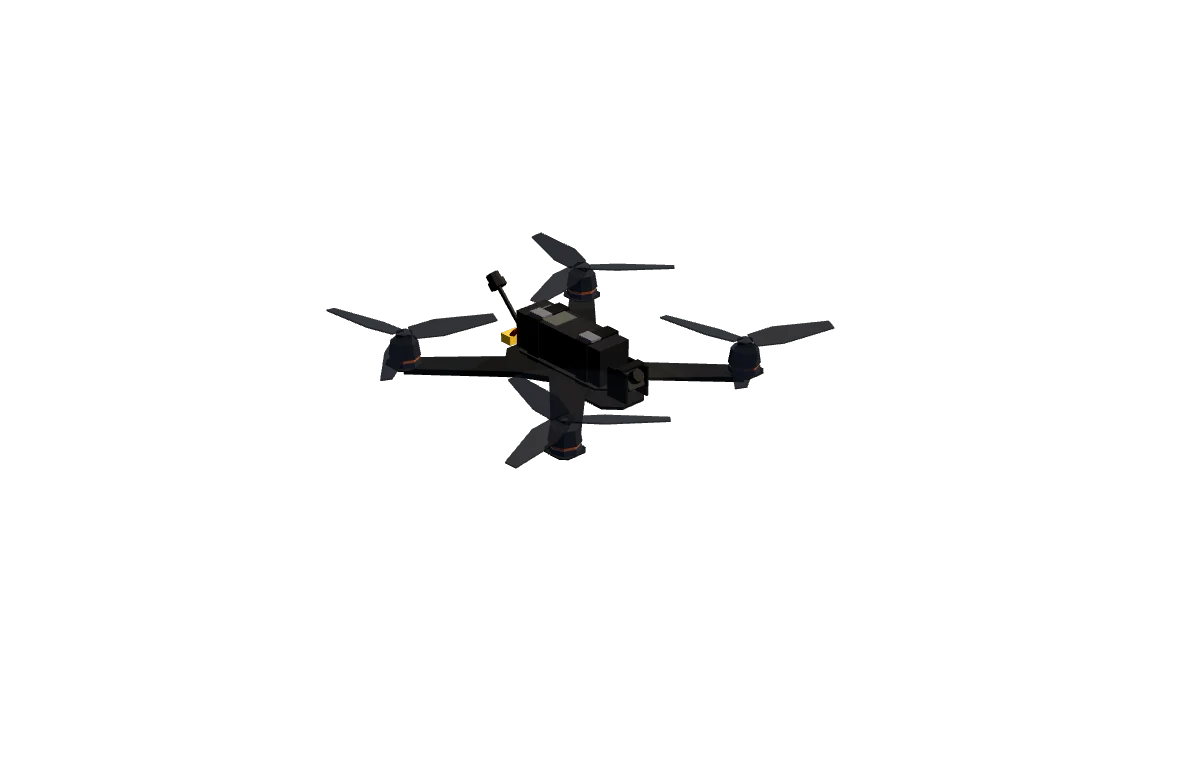
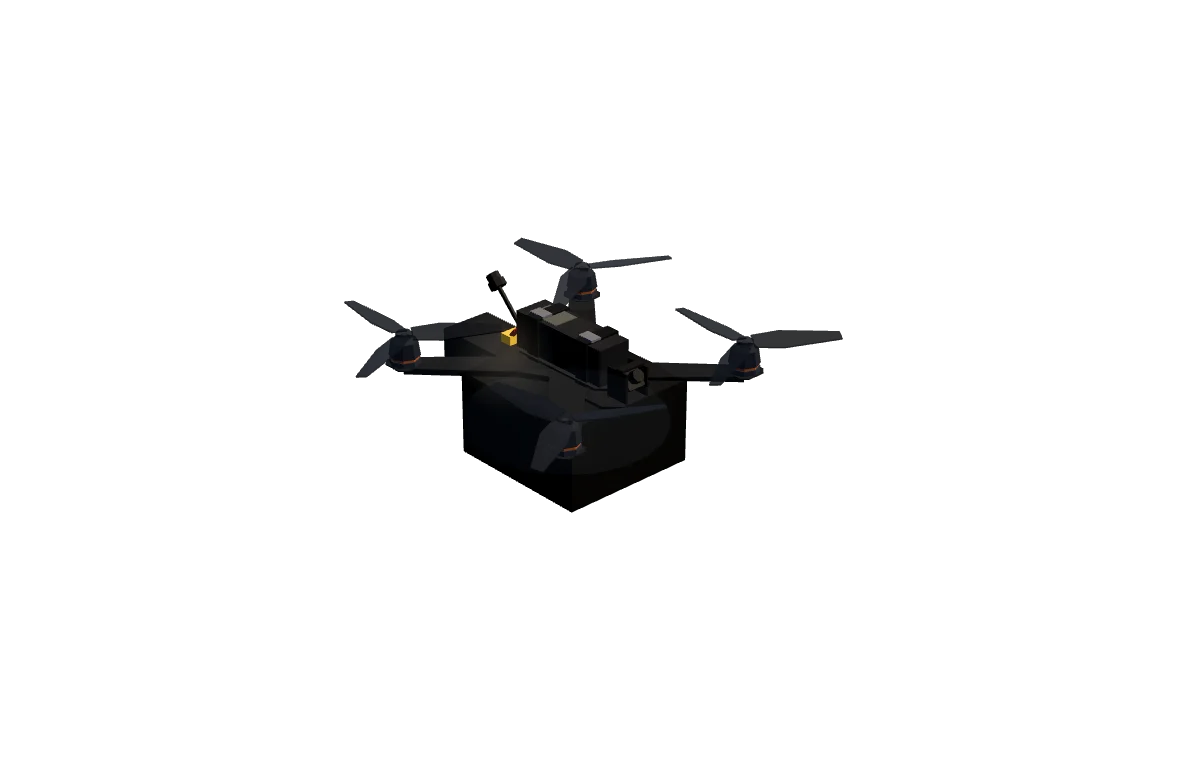
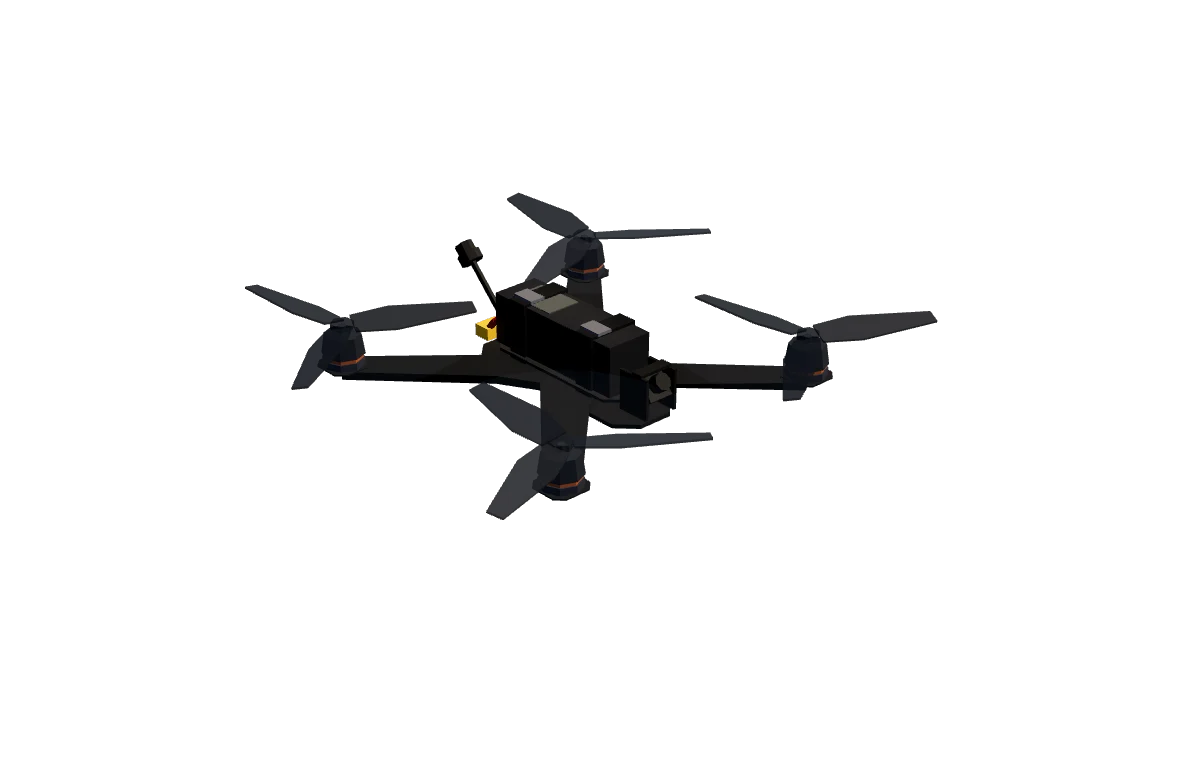
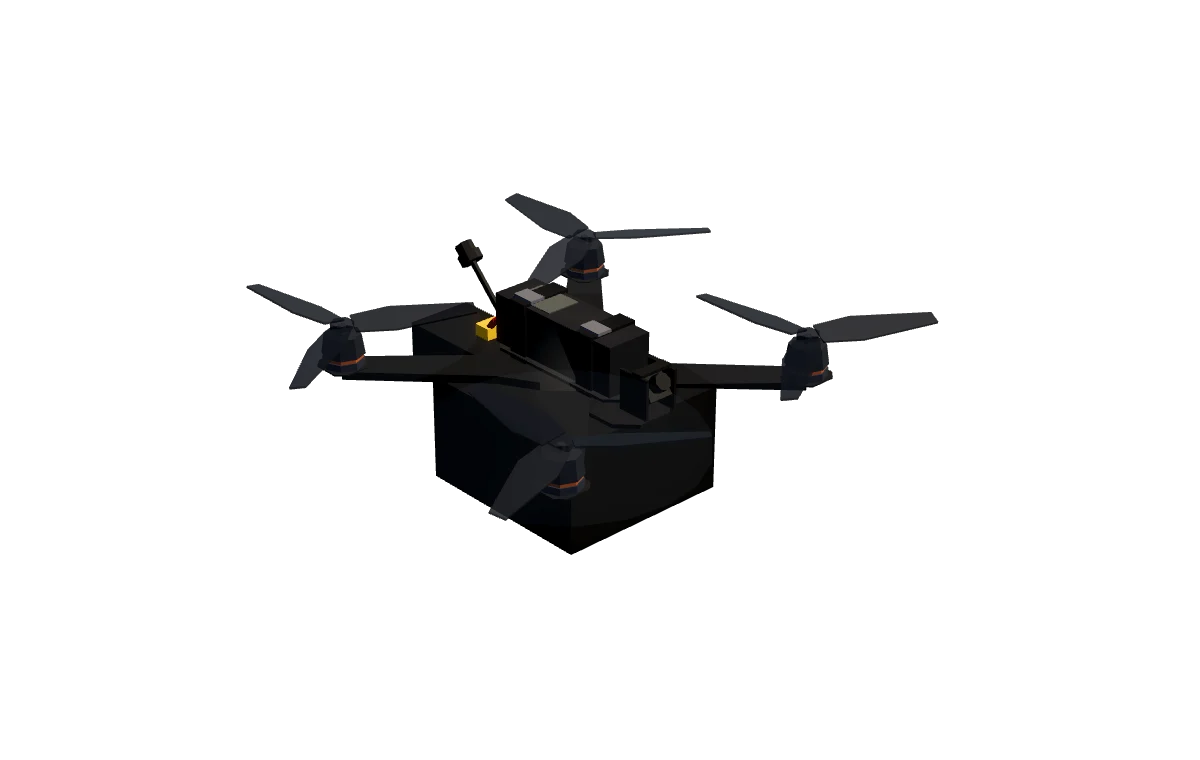
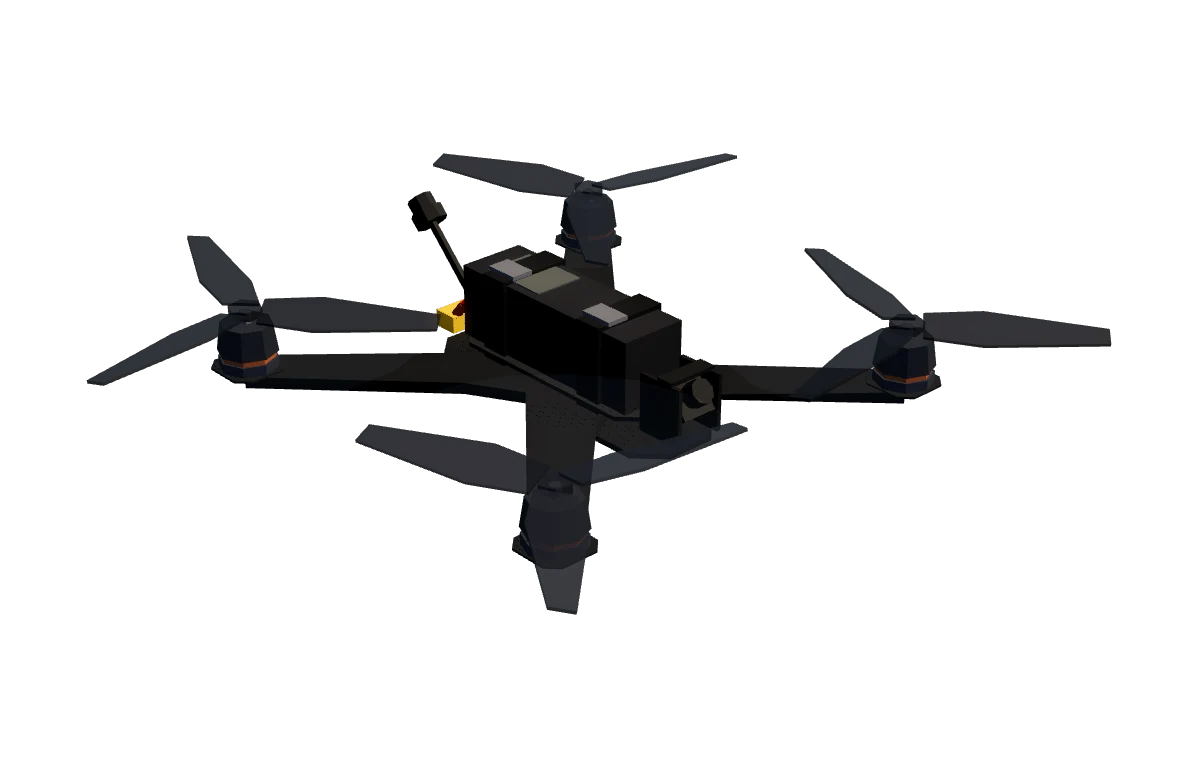
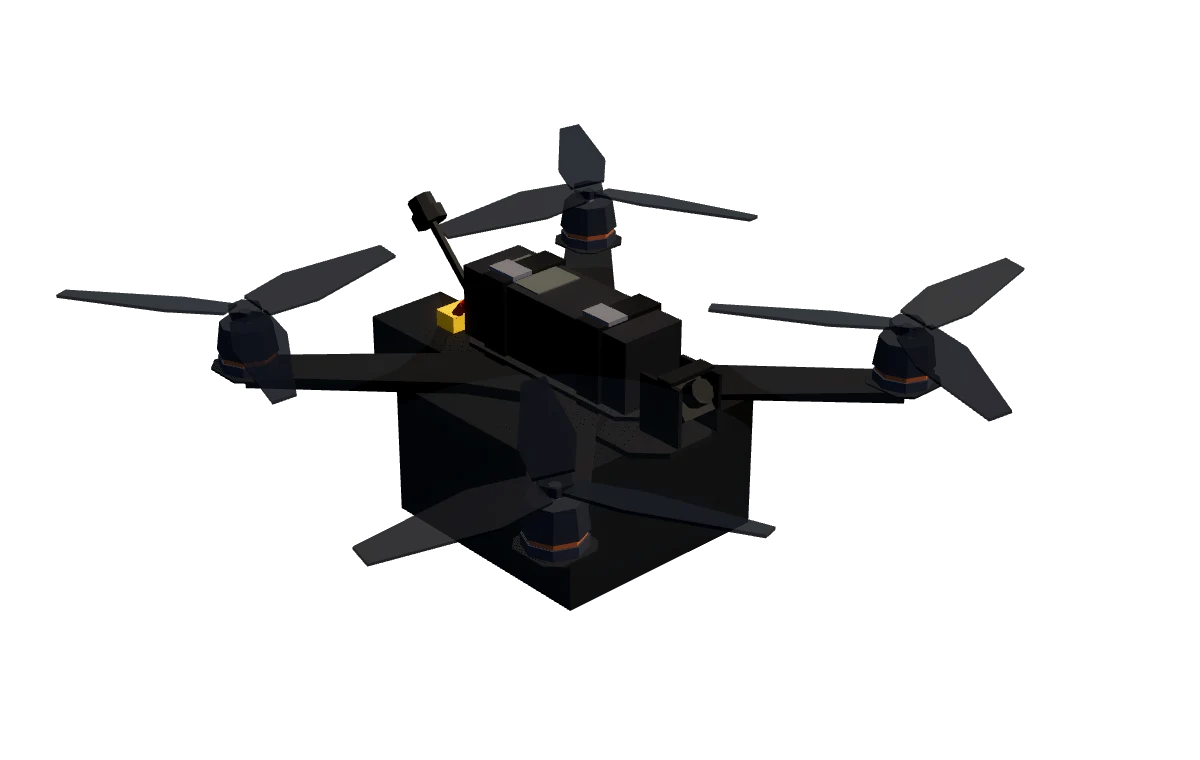
Four frame classes with calibrated mass, thrust and inertia, on Betaflight stock rates. Hang a payload under one and the hover throttle, battery draw and handling all change, because the store is modelled as a real object bolted to a real frame.
04 · Training
Launch procedure
One sortie, recorded in the simulator. Pick a step, or run the whole sequence.
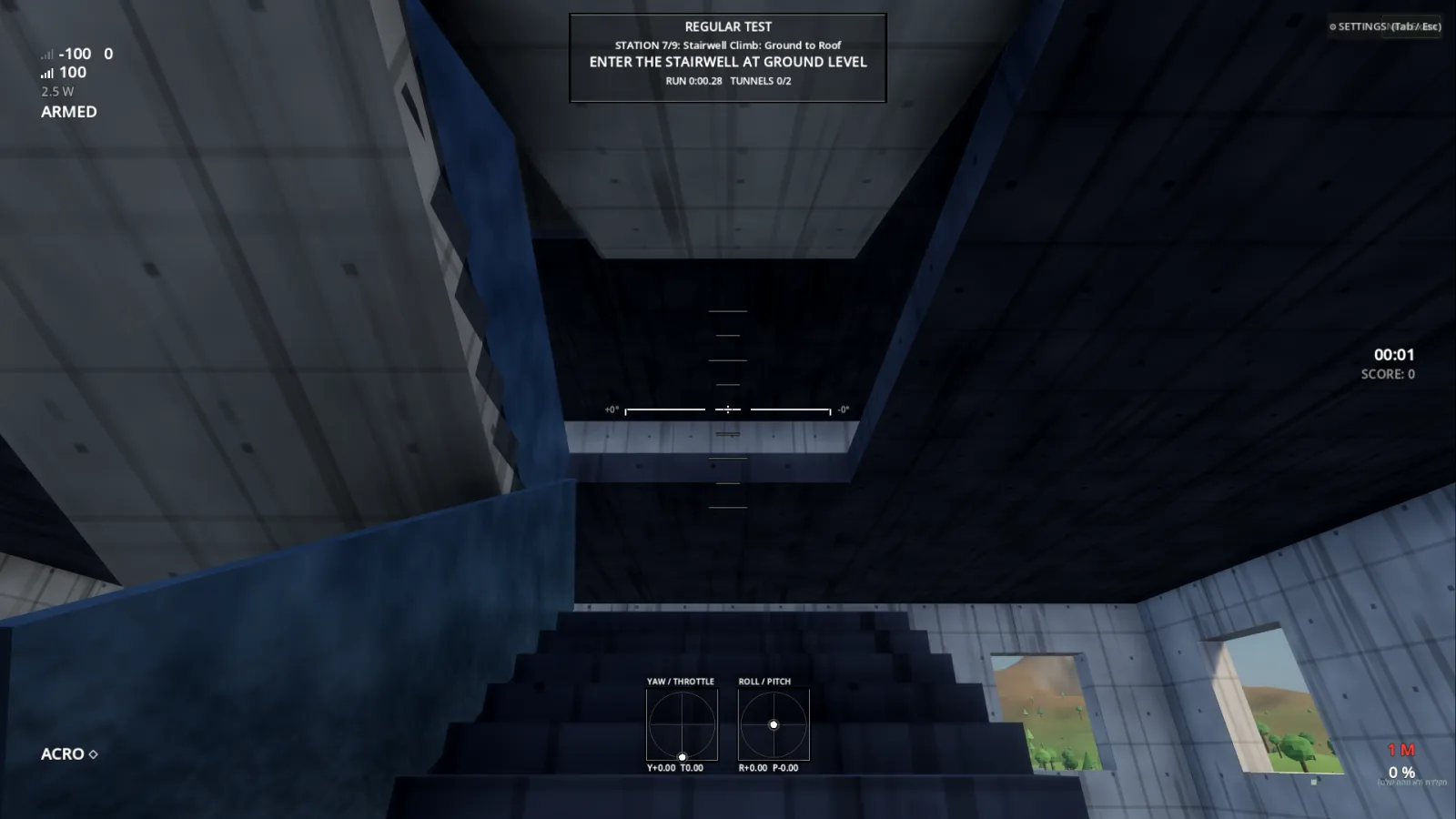
Drone School
A ten-storey stairwell climb, window hover-and-breach, orbit drills, slaloms and precision hover, run as regular or randomized exams with per-pilot stats and leaderboards.
Targets · hover for thermal
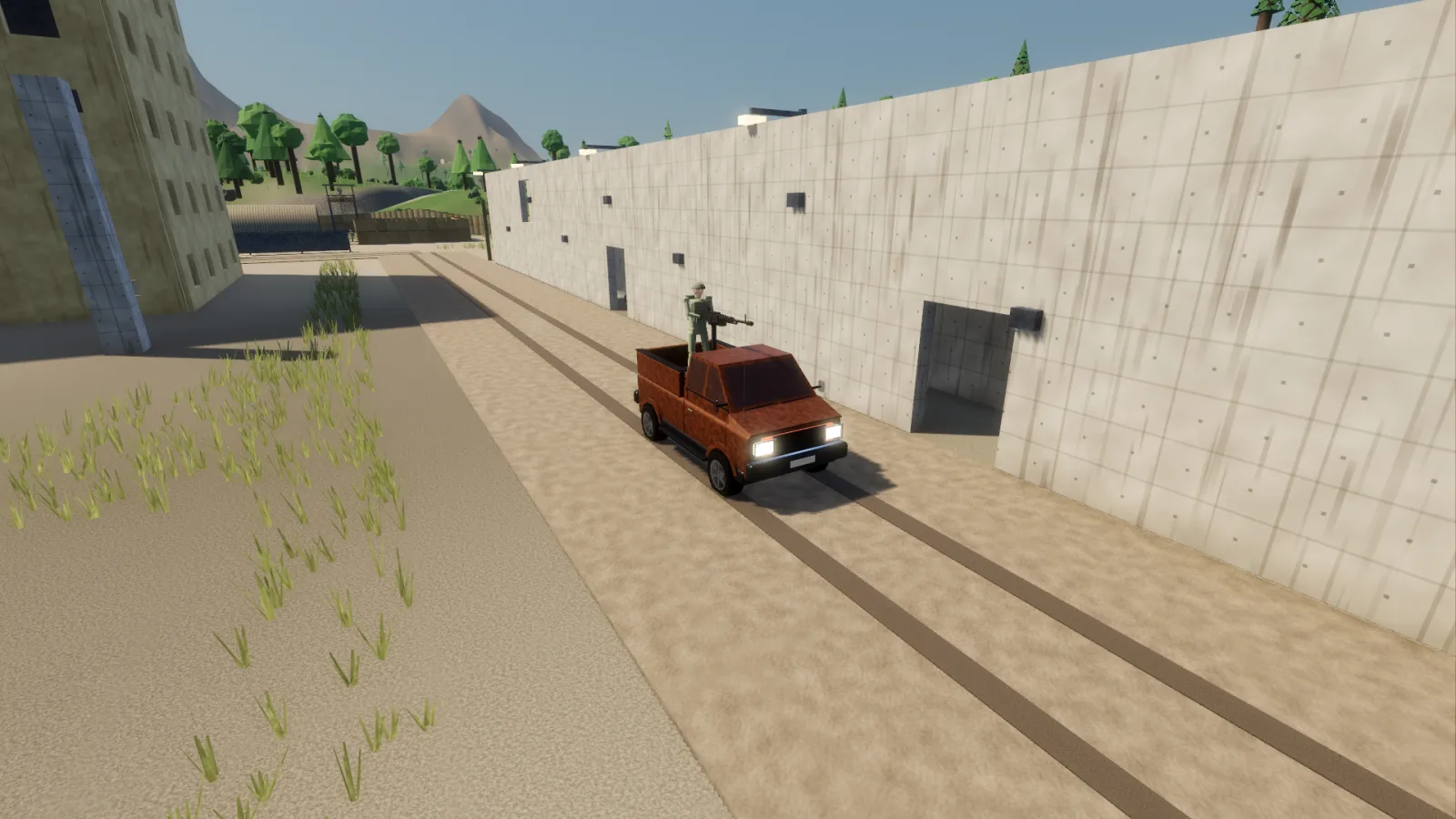
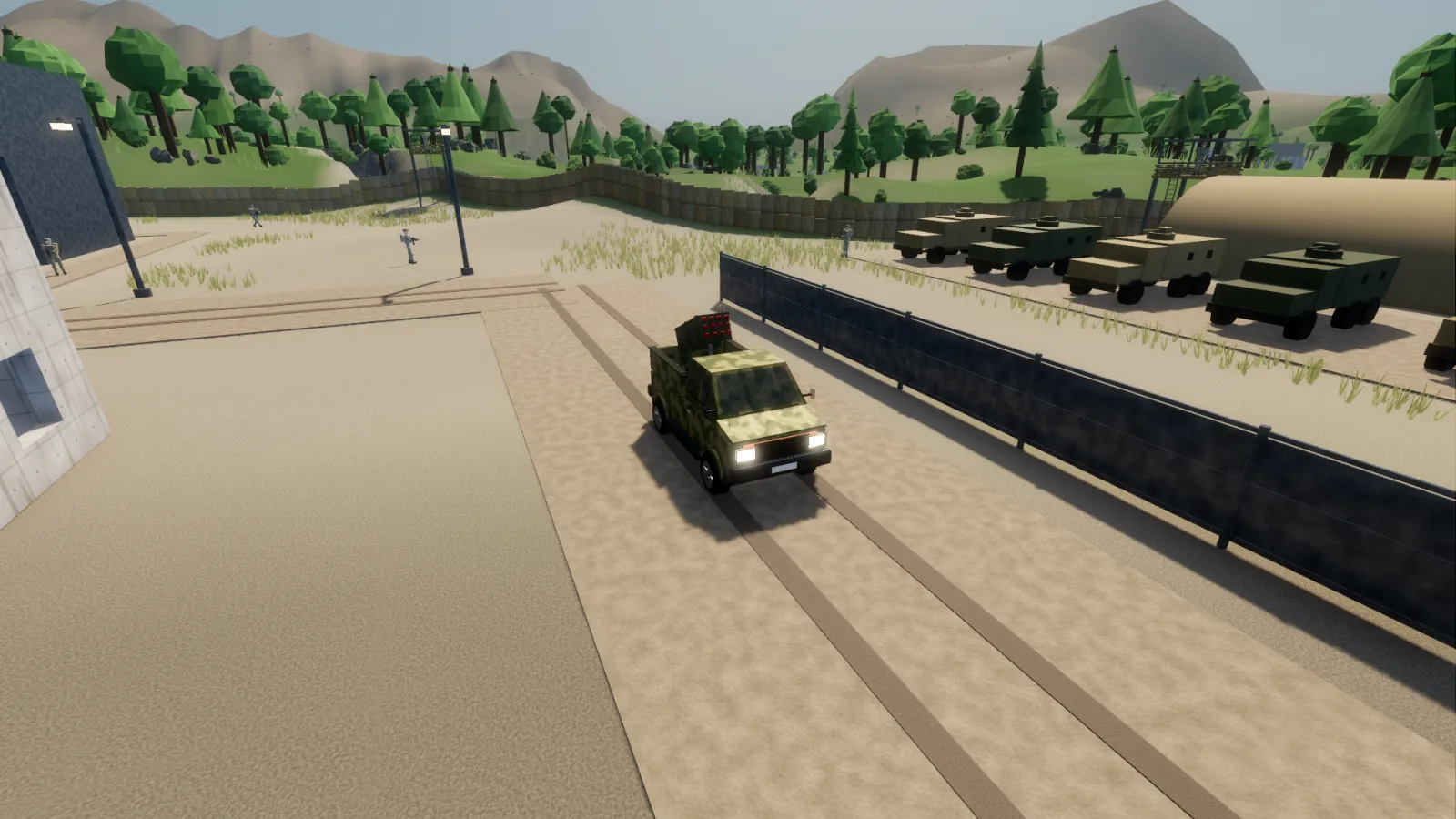
Technicals, rocket trucks, motorcycles, infantry, enemy drones and infrastructure. Patrols notice you, take cover and break line of sight.
Mission modes
Any-target, priority-target and timed takedown modes, adjustable target speed, and optional return fire.
Things go wrong
05 · Navigation
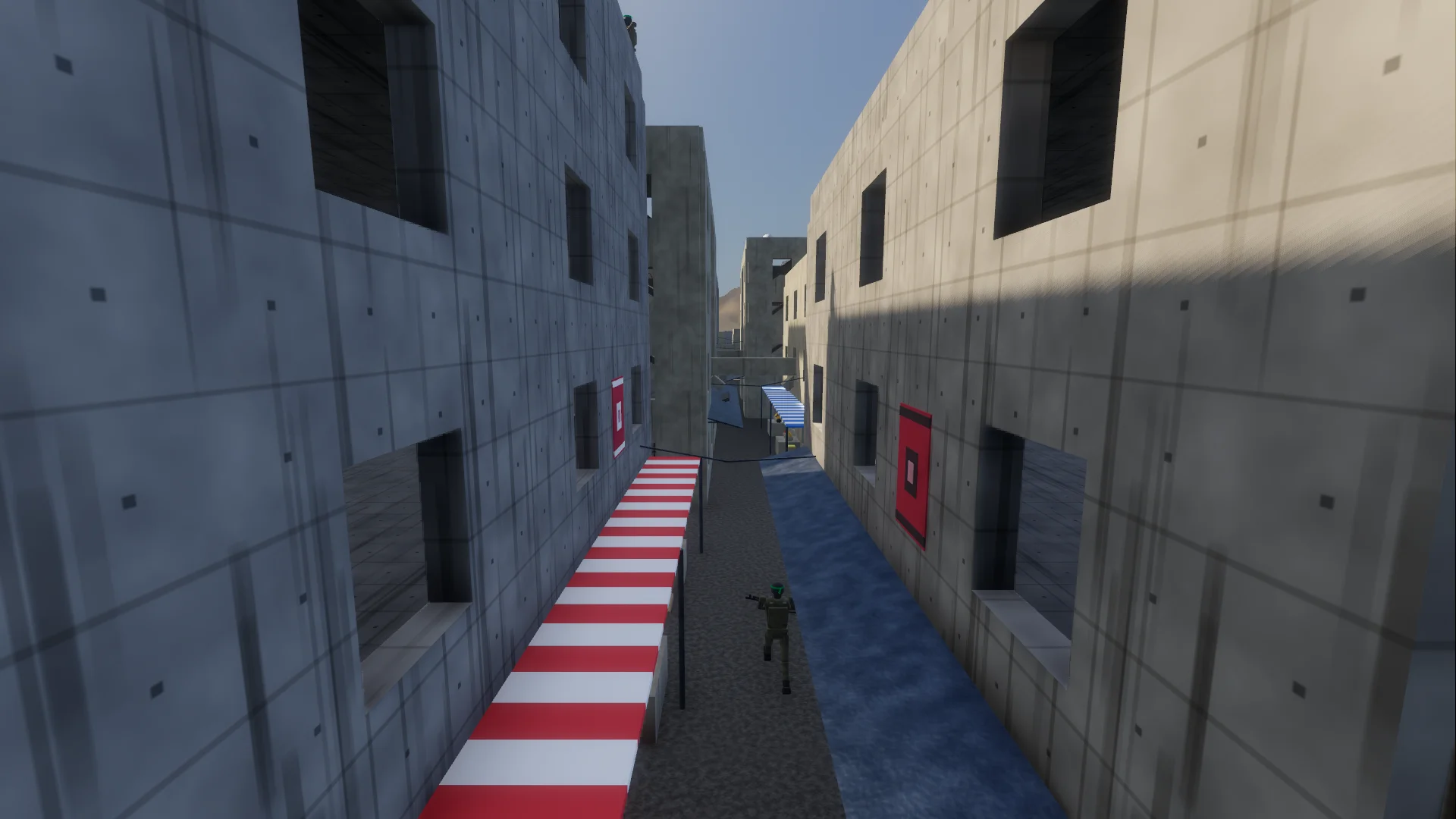
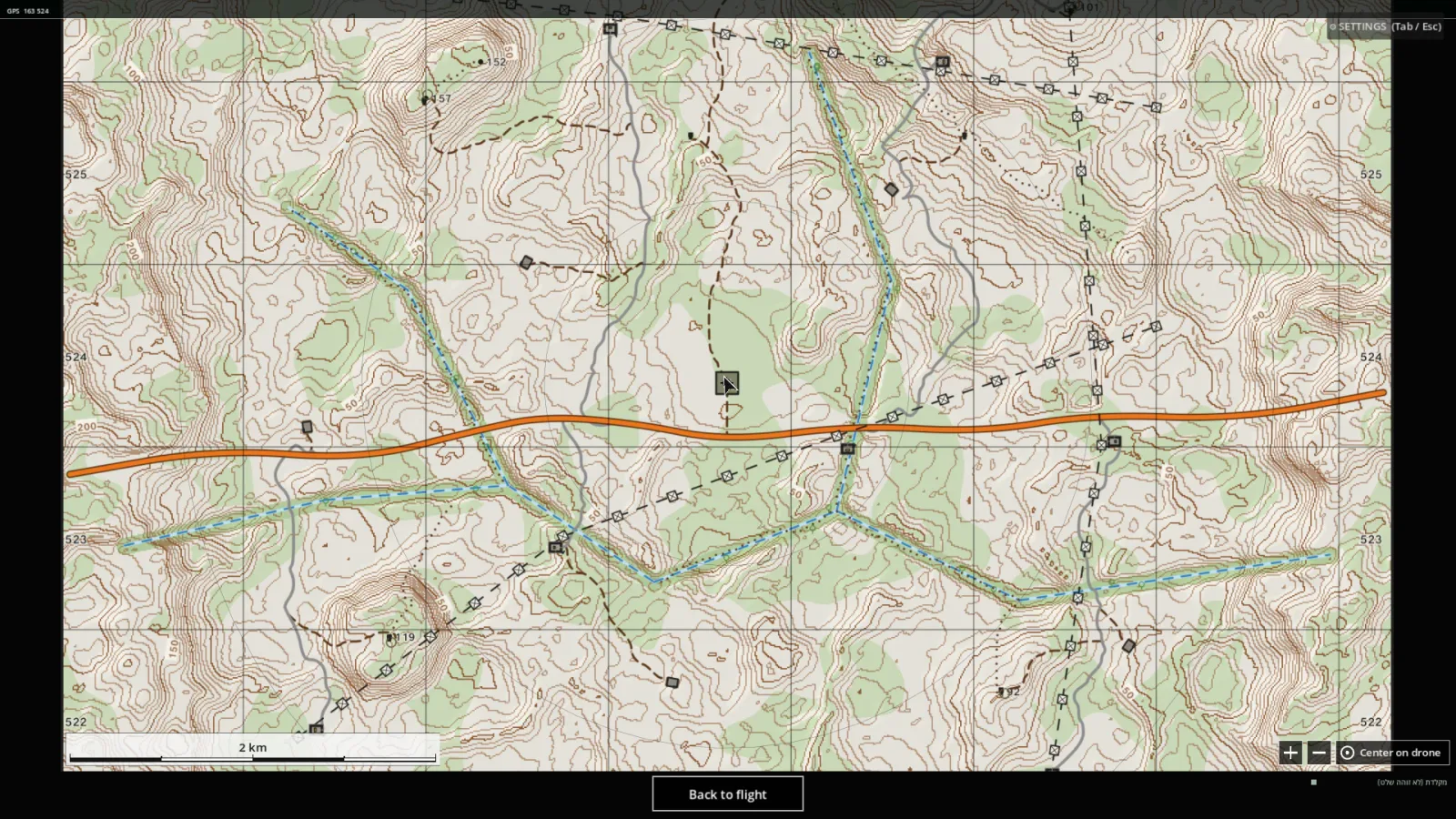
The Open Field is five by five kilometres of hill country with power lines, bunkers, masts and tracks, read from a topographic chart with contours, grid and spot heights. Brief on it before launch only, keep it in flight, or overlay it, and fly with no GPS position at all if the mission calls for it.
06 · Environments
From a ten-storey stairwell to five kilometres of open hills. Each world teaches a different approach: tight indoor flying, urban line-of-sight breaks, canopy cover, long-range navigation.
07 · Deployment
No motion rigs, no proprietary consoles. ATALEF picks a quality tier for the device it's on, from a 144 FPS desktop profile down to lightweight mobile modes, so a whole unit can train on the hardware it already owns.
Any USB transmitter in joystick (HID) mode, such as EdgeTX/OpenTX radios, is detected the moment it's connected. A calibration wizard, per-channel learn, rates, expo and dead-band shaping are included.
Gamepads, keyboard and on-screen touch sticks let new pilots start training before their hardware arrives.
Licensed per device and fully offline. English and Hebrew interface with full right-to-left layout, and pilot profiles with per-pilot stats.
WINDOWS · MACOS · ANDROID · USB RC · GAMEPAD · TOUCH · OFFLINE
08 · Team
ATALEF was founded to close the gap between how FPV pilots are trained and how they actually fly. The founding team combines academic backgrounds in neuroscience and computer science with operational experience and simulation engineering.
Request a demo
Book a live demo for your unit or organization. We'll run it on your own hardware.